
Should CopilotCMS Have an Update Mechanism?
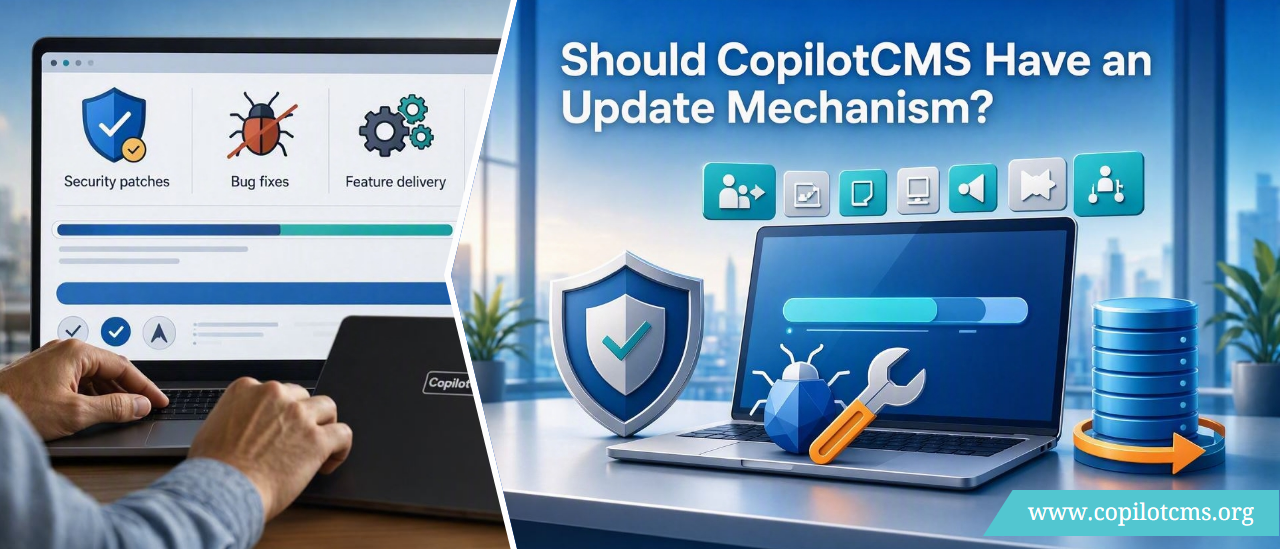
When we built CopilotCMS using PHP, MySQL, HTML, CSS, and JavaScript—without any frameworks or external libraries—we designed it as a lightweight, self‑contained system. Once downloaded and installed, it runs independently on a user’s web server. But this raises an important question: should CopilotCMS include an update mechanism?
Why Update Mechanisms Matter
- Security patches: Without updates, vulnerabilities remain unpatched.
- Bug fixes: Issues discovered after release cannot be corrected unless users manually reinstall.
- Feature delivery: New modules or improvements never reach existing installations.
- User trust: Applications that update themselves are perceived as more reliable and professional.
Standalone vs. Auto‑Updating Applications
| Standalone Apps | Auto‑Updating Apps |
|---|---|
| Users install once and run independently | App periodically checks for updates |
| No future improvements unless manually reinstalled | Updates delivered automatically or semi‑automatically |
| Lower complexity, easier to distribute | Higher complexity, requires secure update channel |
| Risk of outdated code, security holes | Safer, always current |
| Example: many legacy PHP/MySQL apps | Example: Drupal, WordPress, Chrome, SaaS platforms |
Scenario: Mr. Doe Installs CopilotCMS
Imagine Mr. John Doe downloads CopilotCMS from GitHub, installs it by unzipping the project files, and runs the MySQL script. Months later, we release a new version with altered files and database schema changes. His installation is unaware of these improvements.
To help Mr. Doe (and others) upgrade safely, we need a disciplined way to record and publish our change history.
What to Record in Change History
- Version number: Clear tags like
v1.0.0,v1.1.0. - Release date: When the version was published.
- File changes: Added, modified, or deleted files.
- Database migrations: SQL scripts for schema changes.
- Upgrade instructions: Step‑by‑step guide for applying updates.
- Backward compatibility notes: Warn if old data or modules may break.
Sample Folder Structure for Releases
CopilotCMS/
│
# Main PHP application files
├── core/
│   ├── index.php
│   ├── config.php
│   └── ...
│
# CSS, JS, images
├── assets/
│   ├── css/
│   ├── js/
│   └── img/
│
# Database migration scripts
├── migrations/
│   ├── 2026-09-20-add-user-roles.sql
│   ├── 2026-09-25-change-articles-schema.sql
│   └── ...
│
# Human-readable list of changes
├── docs/
│   ├── CHANGELOG.md
│   ├── UPGRADE.md
│   └── INSTALL.md
│
# Machine-readable version info
├── version.json
│   {
│     "version": "1.2.0",
│     "release_date": "2026-09-20"
│   }
│
# Initial schema + version marker
└── schema_version.sql
How Users Apply Updates
- Check current version (from DB or
version.json). - Read
CHANGELOG.mdto see what’s new. - Follow
UPGRADE.md:- Backup files and database.
- Replace or merge updated files.
- Run SQL migration scripts sequentially.
- Verify schema version matches release.
Conclusion
For a lightweight, framework‑free CMS like CopilotCMS, it’s acceptable to remain standalone. However, maintaining a clear changelog, migration scripts, and upgrade guide ensures users can safely benefit from future improvements. This approach balances simplicity with professionalism, giving your CMS credibility and long‑term trust.